Local-first asset manager for game developers
The game asset manager
for indie developers and artists
One library for everything you've made, bought, and downloaded. AssetHoard reads game files: sprite sheets, .unitypackage, Godot resources, Unreal assets, and zipped packs, all previewed without opening a single app. Always yours.
Free during the open beta. No licence key needed.
- .unitypackage
- .blend
- .aseprite
- .tres
- .fbx
- .glb
- .psd
- .wav
- .ogg
- .zip
- + 70 more
One library. Every engine. Everything visible.
Point AssetHoard at your projects, or wherever you keep your assets. It reads Unity, Godot, Unreal and GameMaker files natively, then hands them back with their dependencies when you need them.

Godot
Organise Godot resources alongside everything else. Export directly into your project folder.

Unity
Browse and inspect .unitypackage files. Drag assets straight from AssetHoard into your Unity project.

Unreal
Read .uasset and .umap packages directly. Preview meshes, sprites, and audio, then export content with every dependency.

GameMaker
Index GameMaker sprites, sounds, and resources. Browse them visually and drag them back into your project.

Built for creators like you
Every pack you've bought, in one searchable library
Unity packages you never opened, itch.io and Humble Bundle packs buried three folders deep, that sound effect you know you own. AssetHoard puts it all in one searchable game asset library: sprites, 3D models, audio, fonts and engine packages. Import once, find it forever.
- Thumbnails and rich previews for every file type
- 80+ file formats
- Tags, categories and flexible bundles
- Semantic search that finds by meaning, not just filename

What game developers are saying

Asset Hoard is one of the most significant pieces of software in my studio's tool chain. I no longer spend hours clicking through endless hierarchies of folders to find the right sound, model, or animation.
Jay Let It Cook Games 
I tried a half dozen asset management programs and none of them met my needs until I finally found AssetHoard. Semantic search was a game-changer for making it easier to find assets from my library that fit my vision quickly.
Holy Cow Creates 
As an avid game jammer, having a robust index of asset packs I own has helped me spend more time on game features than sifting through inscrutable layers of folders and files. I believe Asset Hoard is one of the best solutions available for this.
queenofsquiggles 
I lose files, have too many versions of things, missing bundles buried in folders... It's the best tool for the monumental job of trying to keep all my game dev assets findable! And TAGS! Worth every penny just for tags.
kaiiboraka 
I'm amazed by the developer's dedication to the tool - very frequent releases and each one brings tons of community-requested features, improvements and bug fixes. The developer went out of their way to fix quirks that were specific to my Linux setup.
Theo Ratkin 
I had been searching for something to manage my 1M+ asset library for years. Nothing ever worked well for game development, until I found Asset Hoard, which I've been using ever since.
Iron Axe Games
Everything you need to manage your game assets
Local-first and offline. Everything stays on your machine: no account, no cloud, no internet connection needed. How local-first works →
Bring every pack in
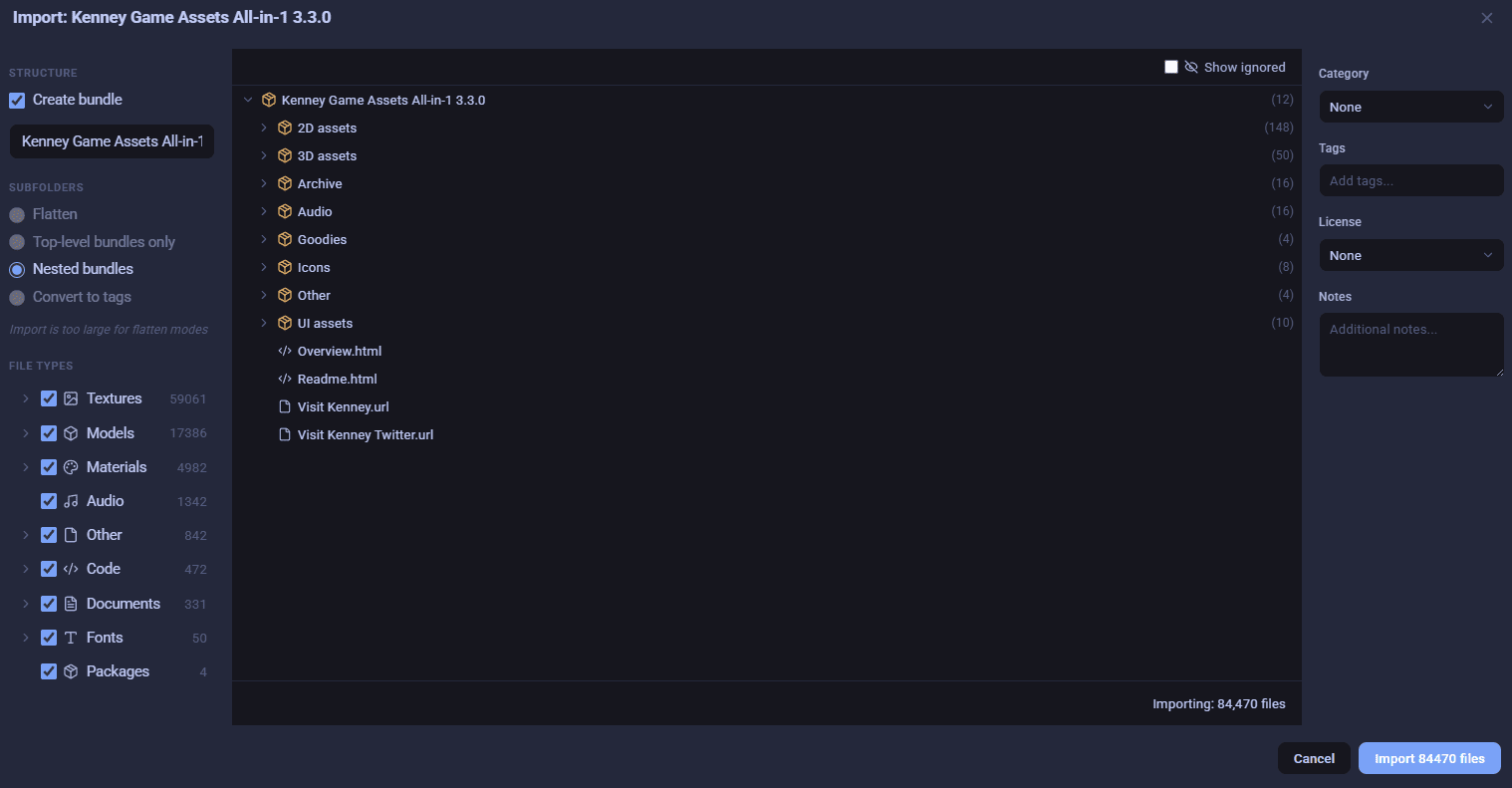
Import from downloads, asset packs and project folders, and preview every file before it lands in your library.
Visual importer + watched folders
Preview files before importing. Filter and ignore what you do not need, apply tags on the way in, and let smart license parsing detect CC0, MIT, and more.
Peek inside archives
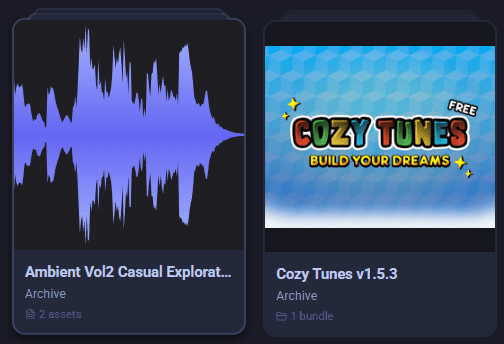
Browse and preview the files inside zip, rar, and tgz archives as if they were already extracted. No unzipping just to see what you have.
80+ file formats
From Asprite, to GLTF & FBX, to MTLX and MAT, to WAV and OGG, .unitypackage, and more. One library for all of them.
See it before you open it
Thumbnails and live previews for sprites, 3D models, materials and audio, so you can judge an asset without opening another app.
Rich previews
Thumbnails for everything. 3D model rotation, sprite animation playback, audio waveforms, PBR material previews. See what you have without opening another app.
Audio waveforms
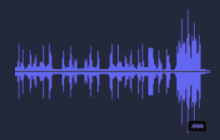
Waveform thumbnails and inline playback with scrubbing. Audition sounds without opening another app.
Materials support
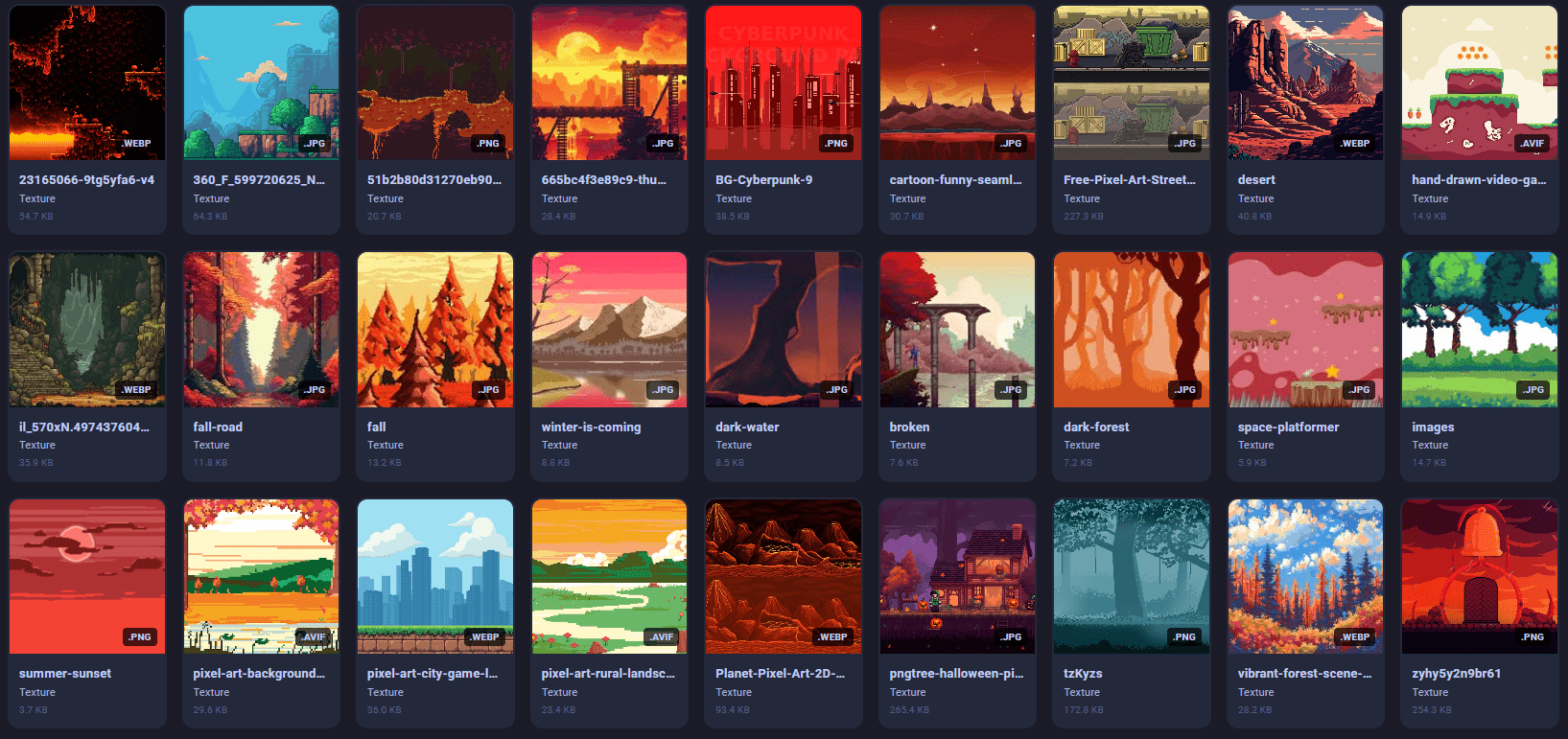
Preview and organise .mtlx, .mat, and PBR texture sets.

Spritesheet slicing
Slice a spritesheet into frames with grid or auto detection, then build animations and export as a GIF, packed sheet, or per-frame PNGs.
Find it in seconds
Search your game asset library by meaning, tag or file type, and save the filters you use most.
Semantic search
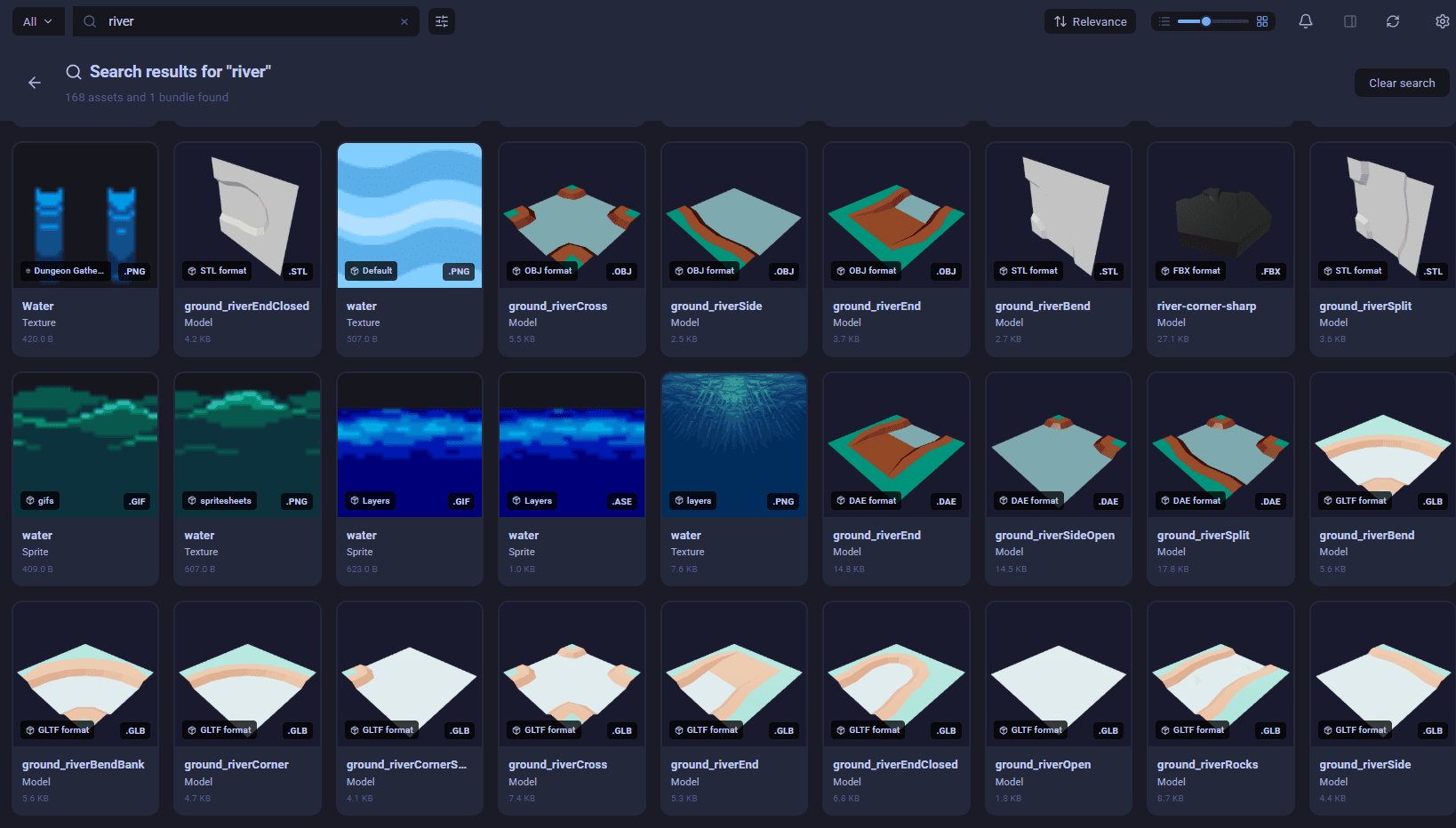
Find assets by meaning, not just filename. Search for 'water' and get results even if the file is called IMG_4392.png.
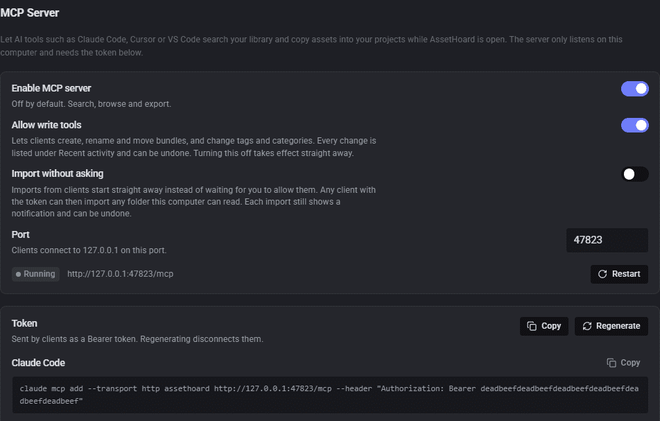
Ask your AI assistant
A local MCP server lets Claude Code, Cursor or VS Code search your library and copy assets straight into your project.
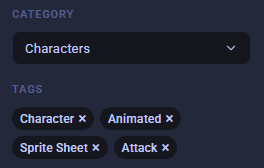
Tags and categories
Custom colour-coded tags, auto-tags by file type and resolution, and smart filters you can save for quick access.
Keep it organised
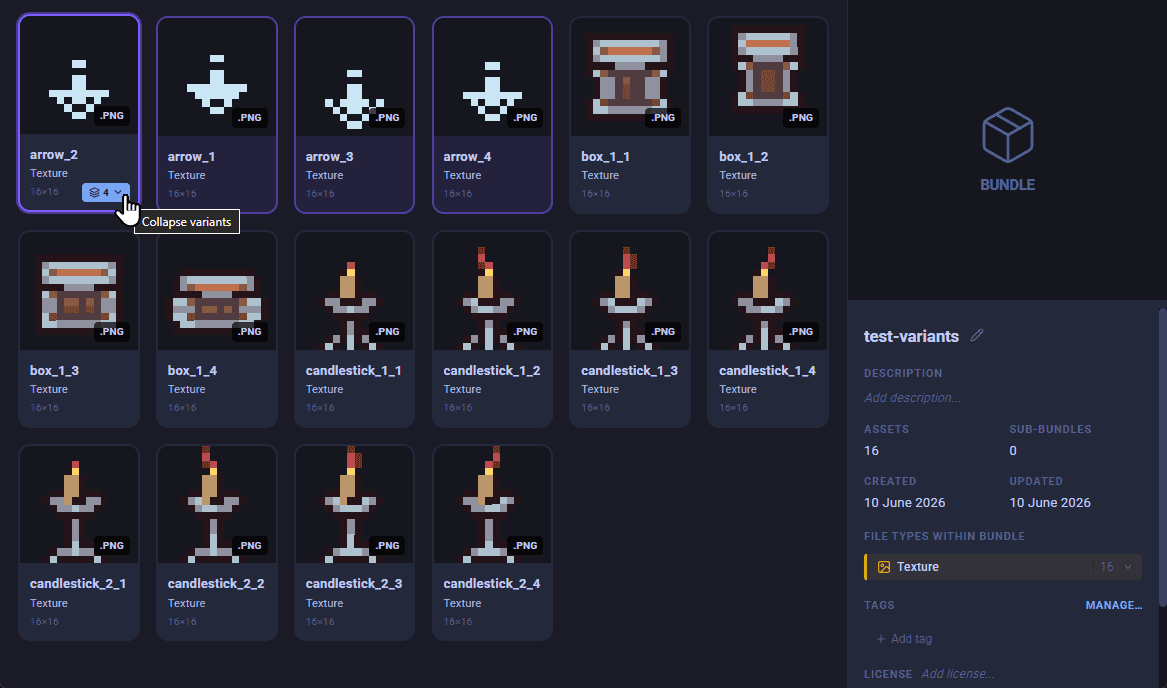
Group assets by game or client, collapse alternates into a single tile, and track the licence on every pack.
Variants
One asset comes in oak, pine, and burnt, or at four resolutions. Variants collapse those alternates into a single tile, with the rest one click away.
Projects and bundles
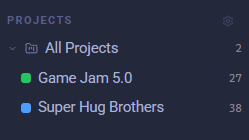
Group assets into projects or flexible bundles. Organise by game, by client, or project, whatever works for you.
License tracking
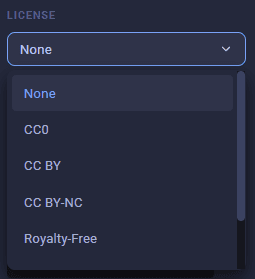
Track CC0, attribution, or commercial licenses on every asset and pack.
Why not just use folders?
How AssetHoard compares with your file browser and with cloud storage.
| File browser | Cloud storage | AssetHoard | |
|---|---|---|---|
| Previews inside .unitypackage and .uasset files | No | No | Yes |
| Previews files inside zip archives | No | No | Yes |
| Searches by meaning, not just filename | No | Some | Yes |
| Tracks the licence on each asset | No | No | Yes |
| Works fully offline | Yes | No | Yes |
| Files stay on your machine | Yes | No | Yes |
| Cost | Free, built in | Free tier, then subscription | Free in beta, then one-time |
Fill your library with free assets
A curated directory of free CC0 sprites, tilesets, 3D models, audio, and PBR textures from Kenney, Quaternius, itch.io, and more. No account, no attribution required. Bring them straight into AssetHoard.
Ready to tame the chaos?
One-time purchase. Lifetime ownership. No subscriptions.
Free during the open beta. No licence key needed.
System Requirements
Windows 10+ / macOS 11+ / Ubuntu 20.04+ • 4GB RAM • 100MB disk space (plus your library)
Frequently asked questions
AssetHoard is a local-first desktop asset manager for indie game developers and artists. It organises 80+ file formats including .unitypackage, .aseprite, .fbx, .gltf, .blend, .png, .wav, and .ogg into a single searchable library. Asset Hoard runs offline on Windows 10+, macOS 11+, and Ubuntu 20.04+, and is a one-time purchase with no subscription.
Yes. AssetHoard is entirely local-first. All your data lives on your machine and the app works without an internet connection. No cloud sync, no account required.
AssetHoard supports 80+ formats including .unitypackage, .aseprite, .krita, .fbx, .obj, .gltf, .blend, .png, .jpg, .wav, .ogg, .mp3, and more. See the full list in the documentation.
Yes. AssetHoard supports Unity packages (.unitypackage) and Godot resources (.tres, .tscn, .res) in the same library. You can drag assets directly into your project from the app.
Yes. AssetHoard reads Unreal's native .uasset and .umap packages directly from disk, with no Unreal Editor and no plugin. It classifies them as meshes, textures, materials, sprites, and audio, previews them, and can export content back out with every dependency it references. Packages saved with UE4.10 through UE5.5 parse fully. See the Unreal asset manager page for more.
Yes. AssetHoard catalogues GameMaker sprites, tilesets, audio, and fonts, and reads .yymps packages, so you can browse a project visually and drag assets back into your game. See the GameMaker asset manager page for more.
Yes, during the open beta. You can download and use AssetHoard on Windows, macOS and Linux with no licence key. A licence will be needed once AssetHoard reaches its full release.
No. AssetHoard is a one-time purchase. You pay once and own it. All updates within the major version you buy are included.
AssetHoard is tested with libraries of 800,000+ files. It is designed for serious asset packs like Kenney's all-in-one bundle (~86,000 files), which imports without issue.
No. Your files never leave your machine. AssetHoard does not have a server component, does not require an account, and does not transmit your library data anywhere.
AssetHoard runs on Windows 10+, macOS 11+, and Ubuntu 20.04+.
Get in touch
Questions, feedback, or feature requests? Send us a message and we'll get back to you.