Archives
Browse and preview the contents of zip, rar, and tgz files without extracting them first.
Overview
Most of what you download shows up compressed. Asset packs, sprite sets, model bundles: they land in Downloads as archives you never quite get around to unzipping.
AssetHoard reads inside them on import. It indexes the files and folders they hold and shows them in your library as if they were already sitting on disk, so you can dig through the folder tree and preview what's in there without extracting anything.
Supported formats
| Format | Extensions |
|---|---|
| Zip | .zip |
| RAR | .rar |
| Gzipped tar | .tgz .tar.gz |
The archive itself sits in your library as one asset, with its contents indexed underneath. A single pack can hold hundreds of previewable files without flooding your grid with them.
Browsing inside an archive
Open an archive and you get the files and folders inside, laid out the way they're stored. Folders stay nested, names and sizes come straight from the archive, and each entry behaves like a normal file in your library.
None of this touches your drive. The listing is read from the archive's own table of contents, so even a big pack opens quickly and leaves nothing extracted behind.
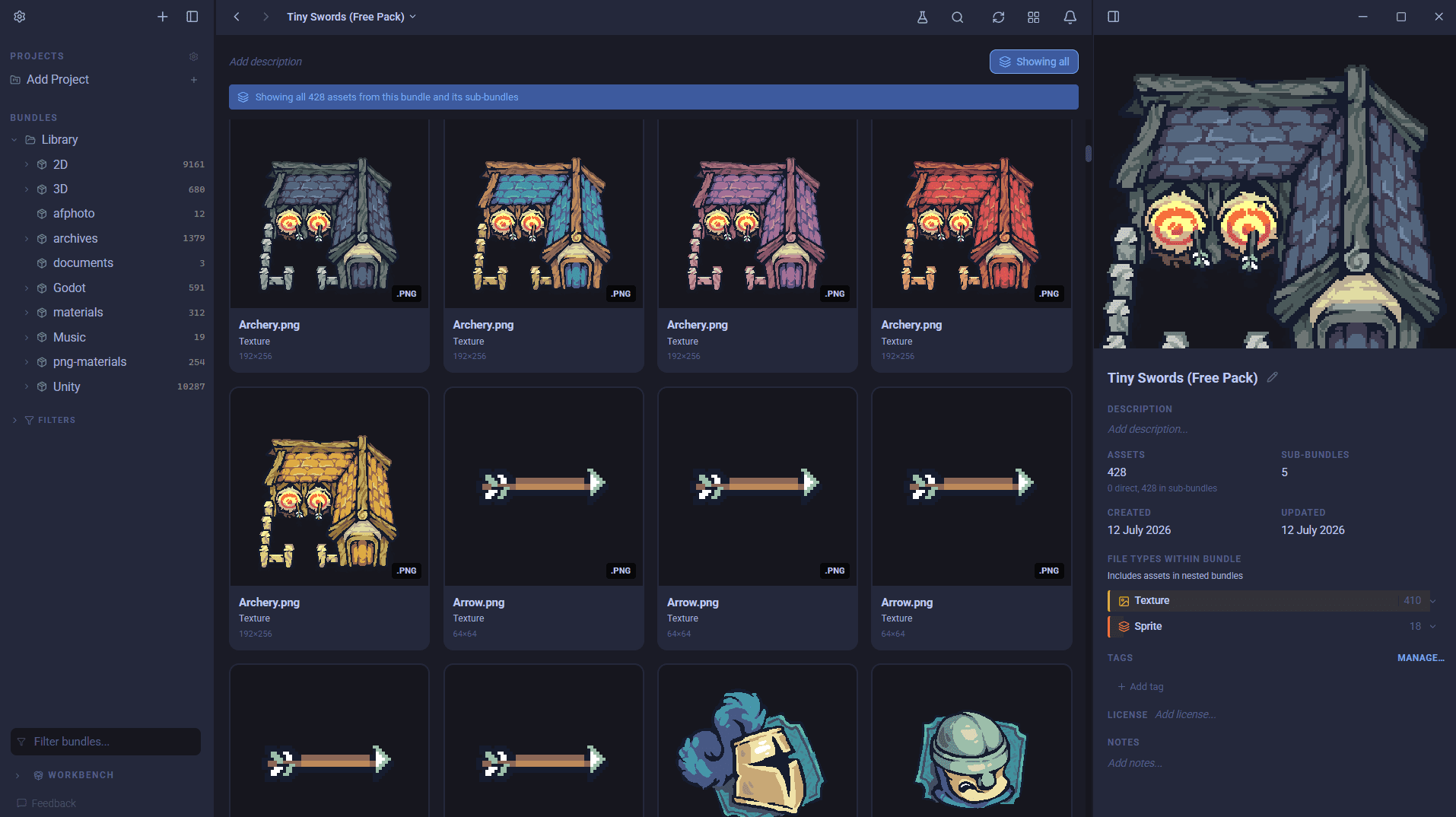
Live previews
Click a file inside an archive and AssetHoard previews it live, as if you'd extracted it. Images, sprites, 3D models, audio, and every other format AssetHoard knows about preview exactly as they would if they were loose files. See Supported File Types for the full list.
It only pulls out the file you're looking at, and only when you click it. Everything else stays compressed until you go looking for it.
Limitations
Since files inside an archive aren't really extracted, there are a couple of things you can't do with them:
- You can't drag one file out of an archive and drop it into another bundle. It's indexed where it lives, not pulled out, so it can't move on its own.
- You can drag the whole archive, though, just like any other asset. It goes across in one piece, contents and all.
Need loose copies you can move around? Extract the archive with whatever tool you normally use and import the files that come out.