TLDR: just take me to the table.
You downloaded the asset. Are you allowed to ship it?
Most developers do not think about asset licences until it is too late to fix cleanly. The texture pack went into the build two years ago, the folder it came from is gone, and no one can say whether attribution was ever required, let alone provided. A typical asset library is assembled over years from dozens of sources, and the licence is the first thing to get separated from the file.
This post is a plain guide to the licences you will actually encounter on game assets and what each one requires of you. It is not legal advice. The goal is to help you recognise what you are looking at, so you know which assets are safe to use without thinking and which ones need a closer read.
Two different worlds: Creative Commons and software licences
Game assets tend to arrive under one of two families of licence, and it helps to know which family you are dealing with before anything else.
Creative Commons licences were designed for creative works: images, audio, 3D models, written text. They are the licences you will see most often on art and sound.
Software licences such as MIT, Apache 2.0 and the GPL family were designed for source code. You will see these on shaders, tools, plugins, and occasionally on asset packs distributed through code repositories.
The distinction matters because the two families use different language and were written with different assumptions. A licence written for code does not always map cleanly onto a sprite sheet. When a 3D model arrives under the MIT licence, which happens, you are relying on a reasonable reading of terms that were not written with 3D models in mind. That is usually fine, but it is worth knowing that is what you are doing.
The Creative Commons licences
Creative Commons is not a single licence. It is a set of licences built from a few interchangeable parts, and once you know the parts, the names stop being cryptic.
CC0: the closest thing to no strings
CC0 is a public domain dedication. The creator has waived their rights as far as the law allows. You can use the asset in a commercial project, modify it, and redistribute it, and you are not required to credit anyone.
CC0 is the easiest licence to work with, and it is why sites built around CC0 assets are popular with developers who want to avoid licence tracking entirely. Attribution is still a courteous thing to do, and many developers credit CC0 creators anyway, but it is a courtesy and not an obligation.
If an asset is genuinely CC0, you can use it and effectively forget about it. The difficulty is confirming that it genuinely is CC0, which comes back to record keeping, covered further down.
CC-BY: free to use, credit required
CC-BY allows commercial use, modification and redistribution, on one condition: you must give appropriate credit to the creator. That credit normally means naming the creator, linking to the original where practical, and indicating whether you made changes.
CC-BY is one of the most common licences on free game assets, and the attribution requirement is also the most commonly missed obligation in game development. Missing it is not a technicality. If you ship a commercial game using CC-BY assets and provide no credit, you are not complying with the licence.
The practical fix is simple and worth building into your process early. Keep a credits file from the first day of the project. Every time a CC-BY asset goes in, the creator goes into the file. Doing this continuously takes seconds. Reconstructing it the week before launch, from assets whose origins you no longer remember, can take days, and sometimes it cannot be done at all.
The modifier letters
The rest of the Creative Commons system is built from modifiers added to BY. Each one adds a restriction.
SA, ShareAlike. If you modify the asset, you must release your modified version under the same licence. For a self-contained asset this is usually manageable. The reason to be careful is that ShareAlike can, depending on how the work is combined, create obligations you did not anticipate for the things you build around the asset. If you are considering a CC-BY-SA asset for a commercial project, this is the one modifier worth reading closely rather than skimming.
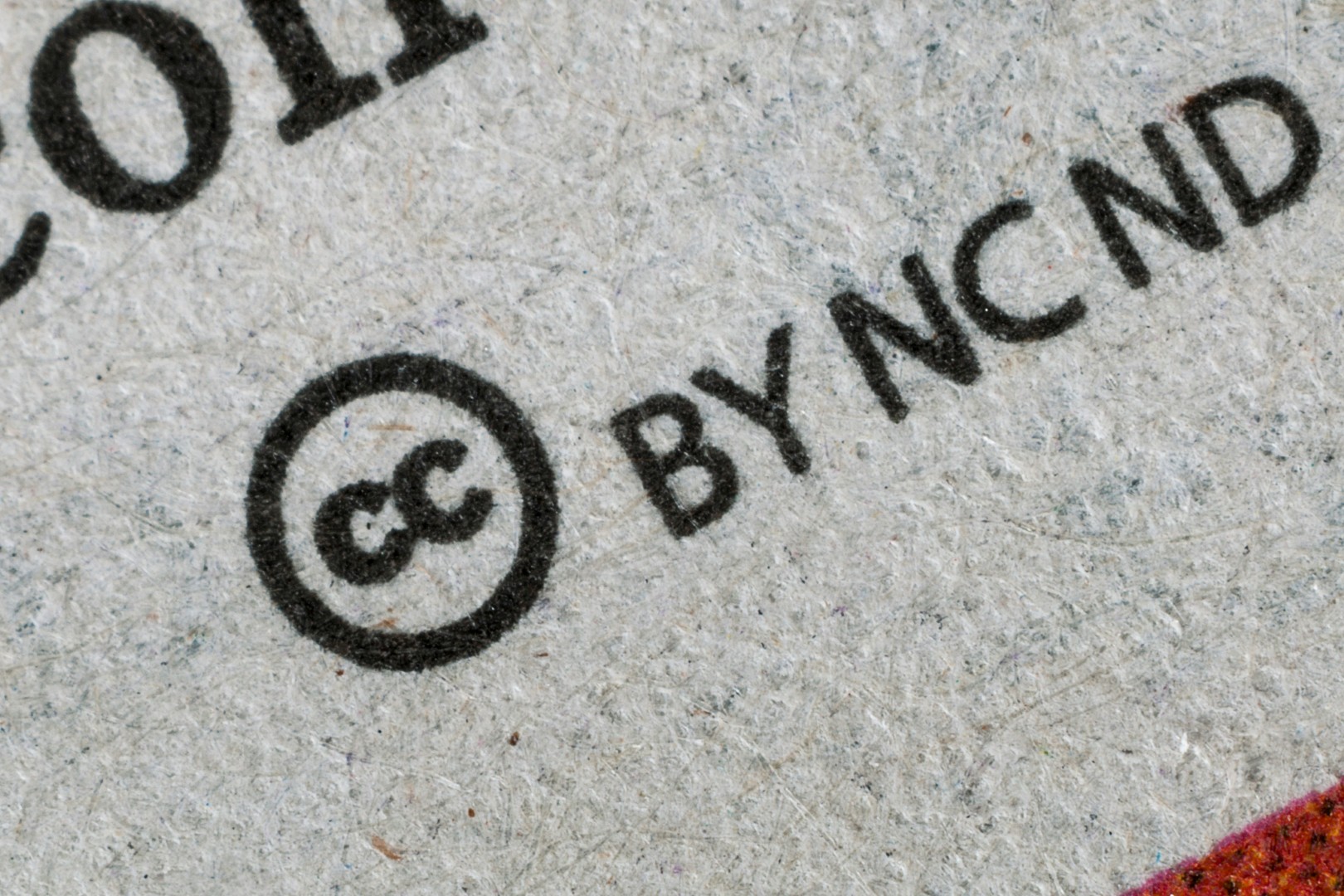
NC, NonCommercial. The asset may not be used for commercial purposes. This is the modifier that catches developers out most painfully, because a free game is not automatically a non-commercial one. If your game is on a paid storefront, carries advertising, or exists to build a commercial studio's profile, a reasonable reading is that it is commercial. An asset marked NC is not safe for a project with any commercial dimension, and a free demo for a paid game sits in genuinely uncertain territory. The safe assumption is that NC and a commercial release do not mix.
ND, NoDerivatives. You may use the asset but you may not distribute a modified version of it. ND is uncommon on game assets and is largely impractical for them, since assets are usually resized, recoloured, recompressed or otherwise altered as a matter of course. Treat an ND asset as difficult to use in a real pipeline.
Reading a Creative Commons name
Put the parts together and the names decode themselves. CC-BY-NC-SA means: credit required, no commercial use, and modifications must carry the same licence. For most commercial game projects, the presence of NC alone is enough to set the asset aside.
One more detail worth knowing: Creative Commons licences are versioned, most commonly 3.0 and 4.0. The differences are mostly minor for game use, but if a project is significant, the version is part of what you should record.
The software licences
These appear on shaders, plugins, tools and code-adjacent asset packs.
MIT is short, permissive and common. You can use, modify and distribute MIT-licensed work, including commercially. The main requirement is that you preserve the copyright notice and licence text in your distribution. For a game, that normally means including the notice somewhere in your credits or a licences screen.
Apache 2.0 is similar to MIT in spirit, permissive and commercially usable, with more explicit wording, including an explicit grant of patent rights. It also asks that you note significant changes you have made. For most game use it behaves much like MIT with a longer licence file.
The GPL family is the one to approach with genuine care. The GPL is a copyleft licence, and depending on how GPL-licensed code is incorporated, it can require that the larger work it becomes part of is also released under the GPL. For proprietary commercial games this is often a serious problem. The LGPL is more permissive about linking and is frequently fine for libraries used in commercial software, but GPL terms reward careful reading rather than assumption. If a tool or plugin you depend on is GPL-licensed, understand the obligation before you build on it, not after.
A note specific to game engines: code licences and asset store terms are separate things. The engine you use has its own licence, and an asset bought from a storefront is governed by that storefront's terms in addition to any licence the creator attaches. Those storefront terms are part of the picture and worth reading at least once.
Licences at a glance
This table is a quick orientation, not a replacement for reading the licence on an asset that matters. "Copyleft" means a modified version must be released under the same licence, and "modifications allowed" refers to distributing a changed version rather than editing privately.
| Licence | Commercial use | Attribution required | Modifications allowed | Copyleft |
|---|---|---|---|---|
| CC0 | Yes | No | Yes | No |
| CC-BY | Yes | Yes | Yes | No |
| CC-BY-SA | Yes | Yes | Yes | Yes |
| CC-BY-NC | No | Yes | Yes | No |
| CC-BY-ND | Yes | Yes | No | No |
| CC-BY-NC-SA | No | Yes | Yes | Yes |
| CC-BY-NC-ND | No | Yes | No | No |
| MIT | Yes | Yes (keep notice) | Yes | No |
| Apache 2.0 | Yes | Yes (keep notice) | Yes | No |
| GPL | Yes | Yes (keep notice) | Yes | Yes |
| LGPL | Yes | Yes (keep notice) | Yes | Library only |
Asset store and bespoke licences
Not every asset uses a standard licence at all. Many marketplace assets ship under the storefront's own end user licence agreement, and some creators write their own terms.
These bespoke licences are where genuine surprises live. Common clauses worth checking for include limits on the number of projects or seats an asset may be used in, a requirement to hold a particular tier of licence for commercial release, restrictions on redistribution that affect whether you can include the asset in a source repository or a downloadable project template, and limits on use in AI training datasets. None of these are unusual, and none of them are visible unless you read the licence. The general rule holds: a non-standard licence is the one that most needs reading, precisely because you cannot predict it from a familiar name.
The real problem is not the licences. It is the record keeping.
Every licence above is straightforward enough to comply with on its own. The difficulty in practice is almost never understanding a single licence. It is that a finished game draws on a library built over years, and the licence information was never attached to the assets in a durable way.
The licence terms tend to live in a forum post, a storefront page, a readme that stayed in the original archive, or an email. The asset gets copied into the project. The terms do not travel with it. Two years later the asset is still in the build and the terms are unrecoverable.
The fix is to treat licence information as part of the asset itself, recorded at the moment the asset enters your library, while you still have the source in front of you. The specific tool matters less than the habit of organising assets as they arrive. What matters is that for any asset you might ship, you can answer three questions quickly: where did this come from, what licence is it under, and does that licence require attribution.
This is a problem AssetHoard is built to take off your hands. It is a local-first asset manager that keeps your whole library in one place, and licence and source are part of what it tracks alongside each asset, so the terms stay attached to the file instead of being scattered across the places you originally found them. When you reach a release and need a complete, accurate credits list, the information is already where the assets are. If you would like to see the rest of what it does, the website is the place to start.
The short version
If you remember nothing else: CC0 means use it freely. CC-BY means use it and credit the creator. NC means keep it away from anything commercial. ShareAlike and the GPL family mean read the actual terms before you build on the asset. And whatever the licence, record where the asset came from on the day it enters your library, because the licence is worth nothing to you if you cannot find it again when you ship.
The AssetHoard Team
Frequently asked questions
Yes. CC0 (Creative Commons Zero) is a public domain dedication, so you can use, modify and sell an asset in a commercial game with no restrictions and no obligation to credit the creator. CC0 is the most permissive licence you will find on game assets, which is why it is popular on free asset sites.
CC-BY allows commercial use, modification and redistribution on one condition: you must give appropriate credit to the creator. Appropriate credit normally means naming the creator, linking to the original where practical, and indicating whether you changed the asset. CC-BY is one of the most common licences on free game assets.
The GPL is a copyleft licence, so incorporating GPL-licensed code can require you to release the larger work under the GPL as well. For a proprietary commercial game this is often unworkable. The LGPL is more permissive for linked libraries, but GPL terms should be understood before you build on them, not after.
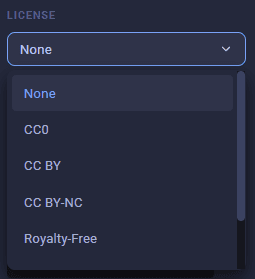
AssetHoard stores the licence in a dedicated licence field on every asset, so the licence is recorded alongside the file itself rather than in a separate document or a download page you will lose track of. The licence is visible and editable from the asset details, and it stays attached to the asset for as long as it is in your library.
Yes. When you import an asset or pack, AssetHoard detects an included licence file, such as a LICENSE.txt, and applies that licence to the asset automatically. You can also set or override the licence manually, which is useful when the terms live on a storefront page or a forum post rather than inside the download.
AssetHoard records the licence on each asset as it enters your library, so the attribution details you need are stored with the assets rather than scattered across emails and download pages. When you reach a release and need to compile your credits, the licence information is already attached to every asset, ready to gather.