Search history, render profile cascades, importer overhaul
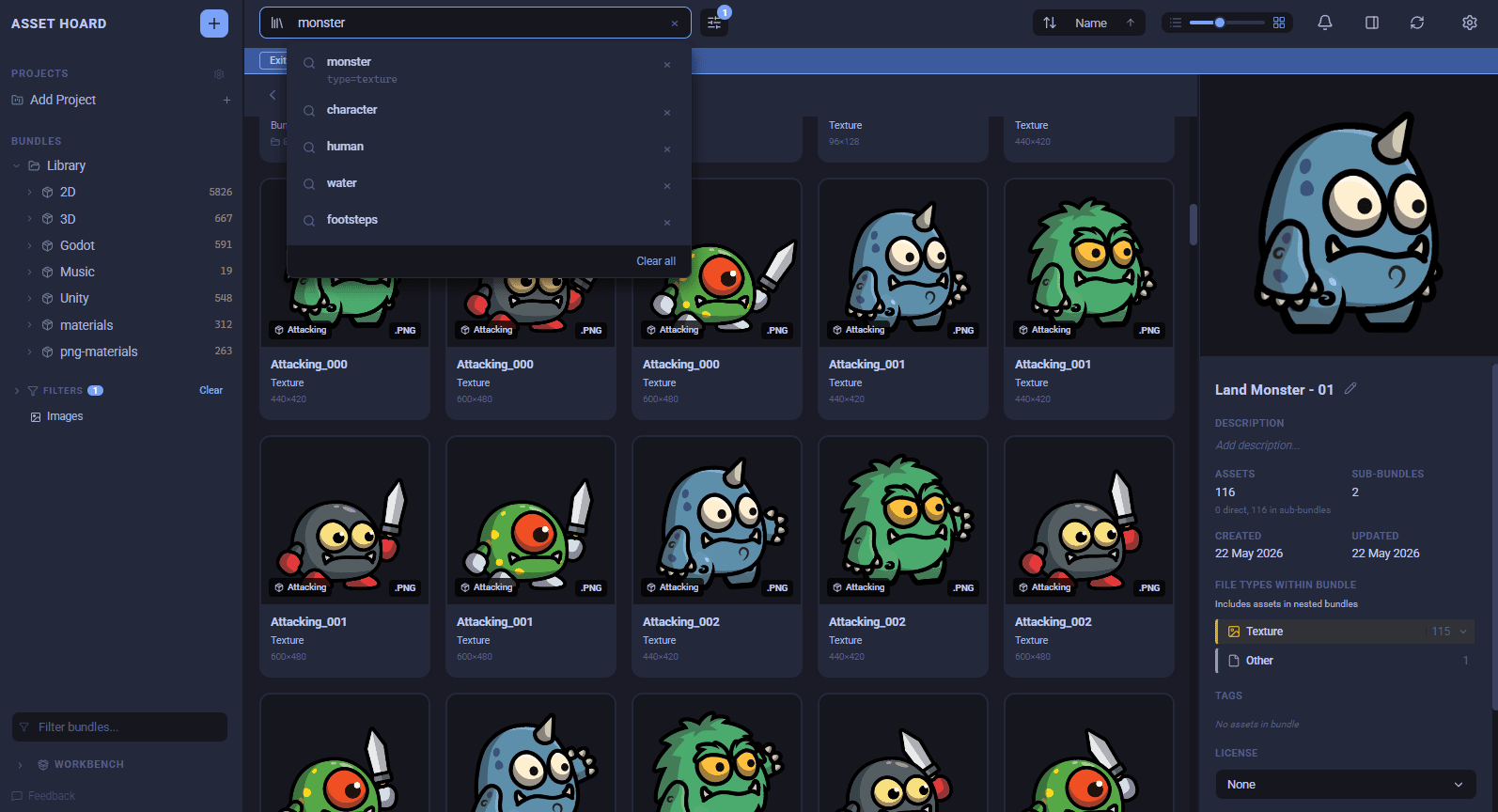
Search history, render profile cascades that actually cascade, and a thorough pass over the importer. Plus a stack of fixes!
✨ New
- Search history: clicking into the search box surfaces your last five searches with their full context (query, scope, advanced filters)
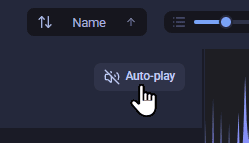
- Audio auto-play on keyboard nav: a new toolbar toggle appears whenever the view contains audio. Arrow-key through audio assets and each one plays as it gains focus, so sample-pack triage feels like scrubbing a sampler.
- Bundle preview when nothing is selected: inside a bundle with no selection, the right-hand panel now shows that bundle's details (cover, description, file types, tags, categories, licence, notes) instead of stale leftovers. At library root you get a quick library-wide bundle and asset count.
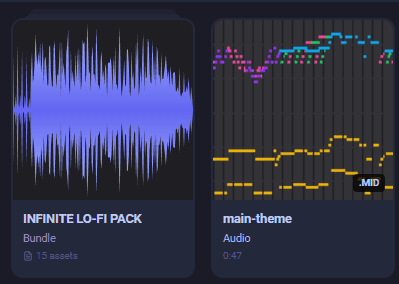
Bundles now look visually different: than assets in the main view, with a slight folder flair at the top of the bundle.
Drag indicator: is now shown when dragging assets/bundles around.
- Rename bundles in the preview panel: pencil icon or double-click the name, Enter to save, Escape to cancel. Matches the existing asset rename UX. Ctrl+Z undoes.
🎨 Renderer profiles (pixel renderer)
- Profiles cascade everywhere: bundle-level renderer defaults (pixel art, for example) now apply in the library grid, search results, project views and bundle covers, not just inside the bundle.
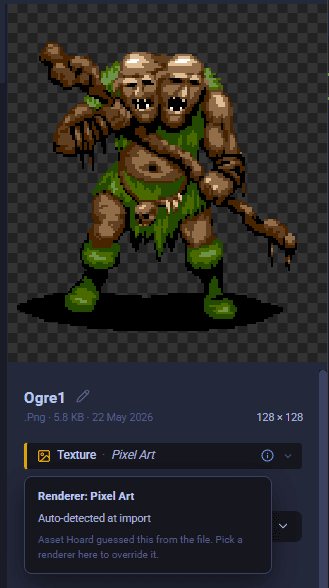
See where a renderer comes from: the render profile pill in the asset details panel now shows a provenance line. Set on the asset, inherited from a bundle (clickable to jump there), inherited from a category, auto-detected at import, or default. Fix inherited defaults at the source instead of overriding per asset.
Set a profile on parent bundles: the "File Types Within Bundle" panel now aggregates across the whole subtree, so parent bundles whose contents sit in sub-bundles can finally have a render profile set. "Smooth" is selectable as a bundle or category default, and any default can be cleared with "Reset to default".
📥 Importer
- Instant start on large folders: the dialog used to hitch for several seconds between clicking Import and the genie animation. It now closes the moment you click. Saves around 32 to 64 MB of memory on 80k+ file imports.
- No more freezes on huge directories: toggling ignore on a 50k-file directory no longer freezes the dialog. Expanding huge folders paginates with the first 1,000 entries shown instantly and a "load more" affordance.
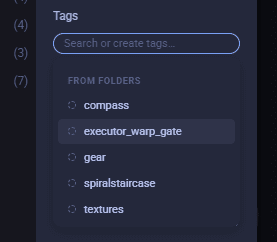
- Tags on imports: saw a big improvement. No longer an option in the subfolder strategy (nested/flatten, etc). It now appears as suggested tags in the tag picker.
- Flatten modes available on big imports: the threshold that disabled "Flatten" and "Flat" subfolder modes has been raised from 3,000 to 100,000 files, so you can pick your import structure on directories that previously forced Nested.
- Smarter tag picker: surfaces existing library tags as you type, with browse-on-focus. Typing
swordwhenSwordexists snaps to the canonical name, so the chip you see matches the tag that gets applied. Duplicates within an import session are folded together, folder-derived tags hide when they duplicate a manual tag, and chips carry the tag's library colour.
- Package reimport reliability: reimporting a package bundle no longer fails with "package not found in database" when paths differ by slashes or casing. Missing Unity package metadata is recreated automatically when the file is still on disk.
- Resume prompt is harder to miss: after an interrupted import, the notification bell turns amber and gives a periodic wiggle until you action it. Each resumable row has clear Resume and Cancel buttons. Imports whose source folder is no longer reachable say so up front. Closing the app without acting clears the prompt so old ones don't stack.
- Cancelling actually cancels: cancelling a folder scan now stops the scan instead of letting it iterate in the background and tangle progress events with the next scan. Cancelled imports show a clear stopped state with a preserved partial count.
🐛 Fixes
- Multi-asset drag no longer shows the current bundle as a drop target.
- Bundle paths in search results open the bundle instead of bouncing back to the project view when a project is open.
- Some sound improvements on Linux.
- Keyboard navigation focus no longer goes astray.
- "Add Project" button in sidebar now adds a project rather than opening the manage-projects screen.
🛠 Under the hood
This release brings the main importer and watched folder code into one unified implementation, the last of the big importer refactors. Next few releases will start showing the payoff: smarter file tracking, better handling of updates to existing files, peeking inside zips and other archives
May your searches be recent and your renderers cascade.
Happy hoarding.