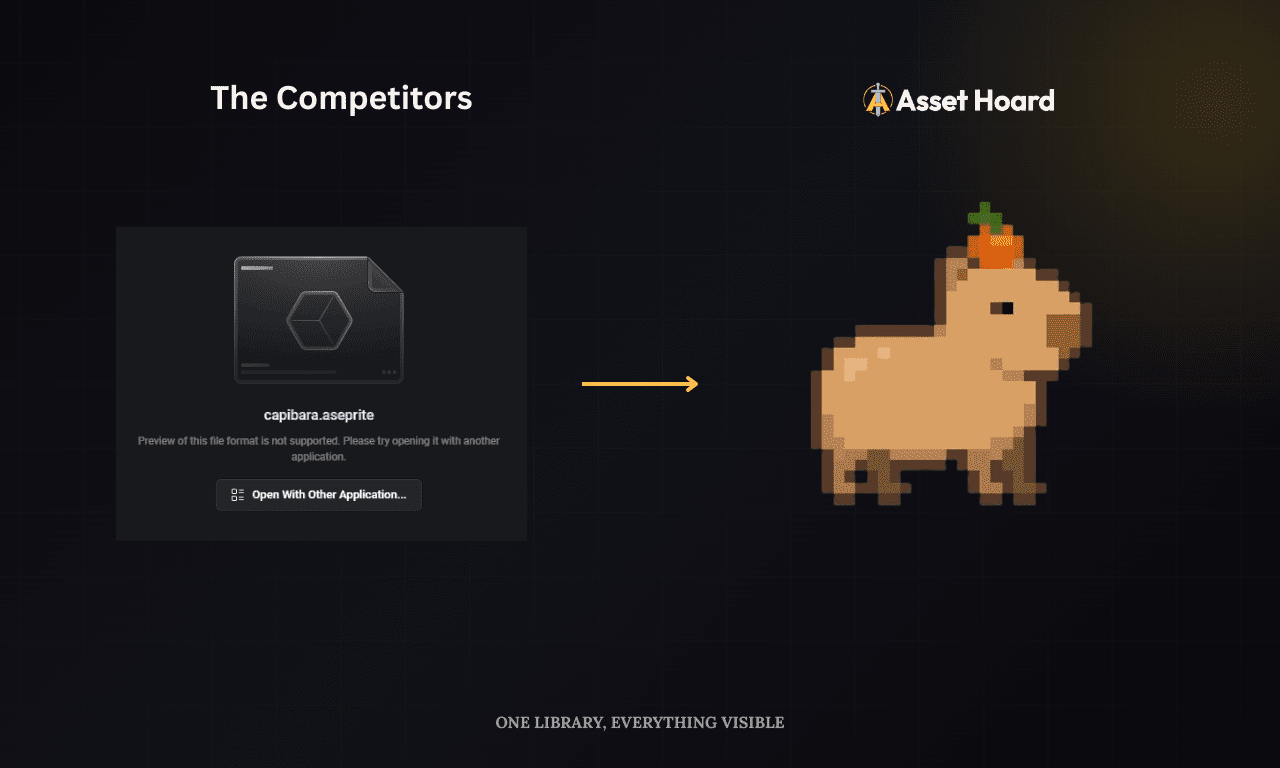
Eagle.cool has built up a loyal following among digital creatives, and for good reason. If you've been using it to organise your reference images and design assets, you already know it's a genuinely well-made piece of software. But if you're a game developer, you've probably also hit its limits.
This is a straightforward comparison of what Eagle does well, where it falls short for game-dev workflows, and whether AssetHoard might be a better fit for your library.
What Eagle does well
Let's start with the positives, because Eagle earns them.
The UI is clean and thoughtfully designed. Browsing large collections of images and video references feels snappy, and the thumbnail previews are excellent. The tagging system is flexible. You can colour-code tags, nest them into groups, and filter your library in ways that actually make sense for visual work.
The browser extension is one of Eagle's standout features. Saving reference images from the web directly into your library, with the source URL automatically attached, is genuinely useful for mood boards and inspiration collections.
Audio handling is also solid. Eagle renders snappy waveform previews and supports inline playback, so auditioning sound effects or music loops while browsing feels fluid rather than clunky.
Format support is broad for design work: PSD, AI, EPS, Sketch, Figma exports, RAW photos, video files. The annotation tools let you mark up images and build out proper mood boards. Many game developers start with Eagle and get real value from it, particularly early in a project when you're gathering references and building a visual direction.
Where Eagle falls short for game developers
Eagle was built for graphic designers and illustrators, and that's exactly where its gaps appear when you try to use it as a game asset manager.
Limited 3D model format coverage. Eagle previews FBX, OBJ, and STL, which covers some of the basics, but it doesn't handle glTF/GLB, Blender (.blend), or Collada (.dae). If your library leans on glTF (Godot's preferred format) or includes raw Blender files, those sit as flat icons.
Limited 3D animation playback. Eagle's 3D viewer can show a model, but animation playback is restricted. Scrubbing through an idle loop, checking a walk cycle, or confirming a rig animates the way you expect often means opening the file in another tool.
No material file support. Material files like .mtl, .mtlx (MaterialX), .mat (Unity), and Substance .sbsar / .sbs aren't recognised by Eagle. They sit in your library as opaque files with no preview of what the material actually looks like.
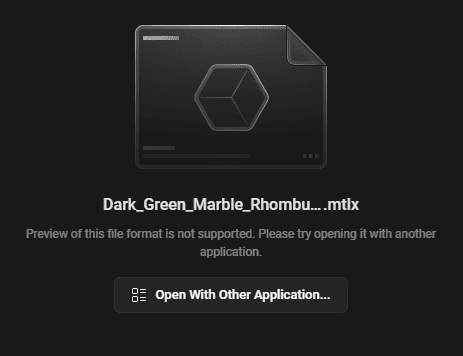
No material sphere rendering. Even when textures are organised as a PBR set, Eagle can't render them on a 3D sphere with proper lighting to show you the actual surface. You're inspecting maps, not materials.
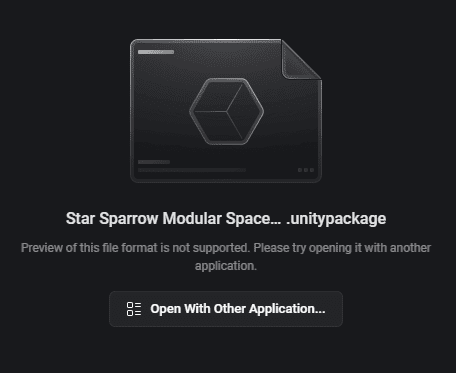
No .unitypackage support. Unity Asset Store packages are a staple of many game developers' workflows. Eagle can't inspect or browse the contents of a .unitypackage file. You'd have to import it into Unity just to see what's inside.
No Godot resource support. If you're working with Godot, your library is likely full of .tres, .tscn, and .res files. Eagle doesn't understand these formats, so they just sit there unlabelled.
No Aseprite preview at all. Eagle doesn't render .aseprite files. If you're working with pixel art, you'll see an unsupported-format placeholder rather than the artwork or its animation.
No pixel-perfect sprite rendering. Eagle displays pixel art using a blended renderer, which works great for sunsets or pictures of people, but pixel art needs precise rendering at any scale. For pixel artists, that turns the library into a wall of soft, distorted thumbnails.
No PBR texture set grouping. A single PBR material typically comes as a set of textures: albedo, normal map, roughness, metallic, ambient occlusion. Eagle doesn't understand the relationship between these files, so they sit separately in your library with no indication that they belong together.
No Linux support. Eagle runs on Windows and macOS only. If your development machine is Linux, Eagle is off the table entirely, which rules it out for a meaningful slice of indie and open-source game developers.
None of these are criticisms of Eagle as a product. They're just evidence that it was designed with a different user in mind.
AssetHoard as an alternative
AssetHoard was built specifically for game developers and artists who are managing the kind of files that Eagle can't handle well.
Format support covers 80+ types including .unitypackage, .aseprite, .krita, .fbx, .gltf/.glb, .blend, .dae, .obj, .stl, the full range of common image and audio formats, plus material files like .mtl, .mtlx, .mat, and Substance .sbsar / .sbs.

The 3D model browser lets you rotate, zoom, and play back animations directly in the app, useful when you're trying to decide between three similar character rigs. Models from .blend, .gltf/.glb, .fbx, .dae, and .obj all sit alongside one another in the same library.
If you work with Unity, the Unity asset manager workflow lets you inspect .unitypackage contents without importing into Unity first. You can see exactly what's in a package, browse its assets, and decide whether it's worth bringing into your project. For Godot users, the Godot asset manager handles .tres, .tscn, and .res files alongside the rest of your library.

Aseprite files have full animation support, with frame-by-frame playback rather than the frozen previews you'll see elsewhere. Pixel art is detected automatically at import (by dimensions, palette, or format) and rendered with a precise pixel renderer, so sprites stay crisp at every zoom. If the auto-pick gets it wrong, you can override the renderer per asset, per bundle, or per category.

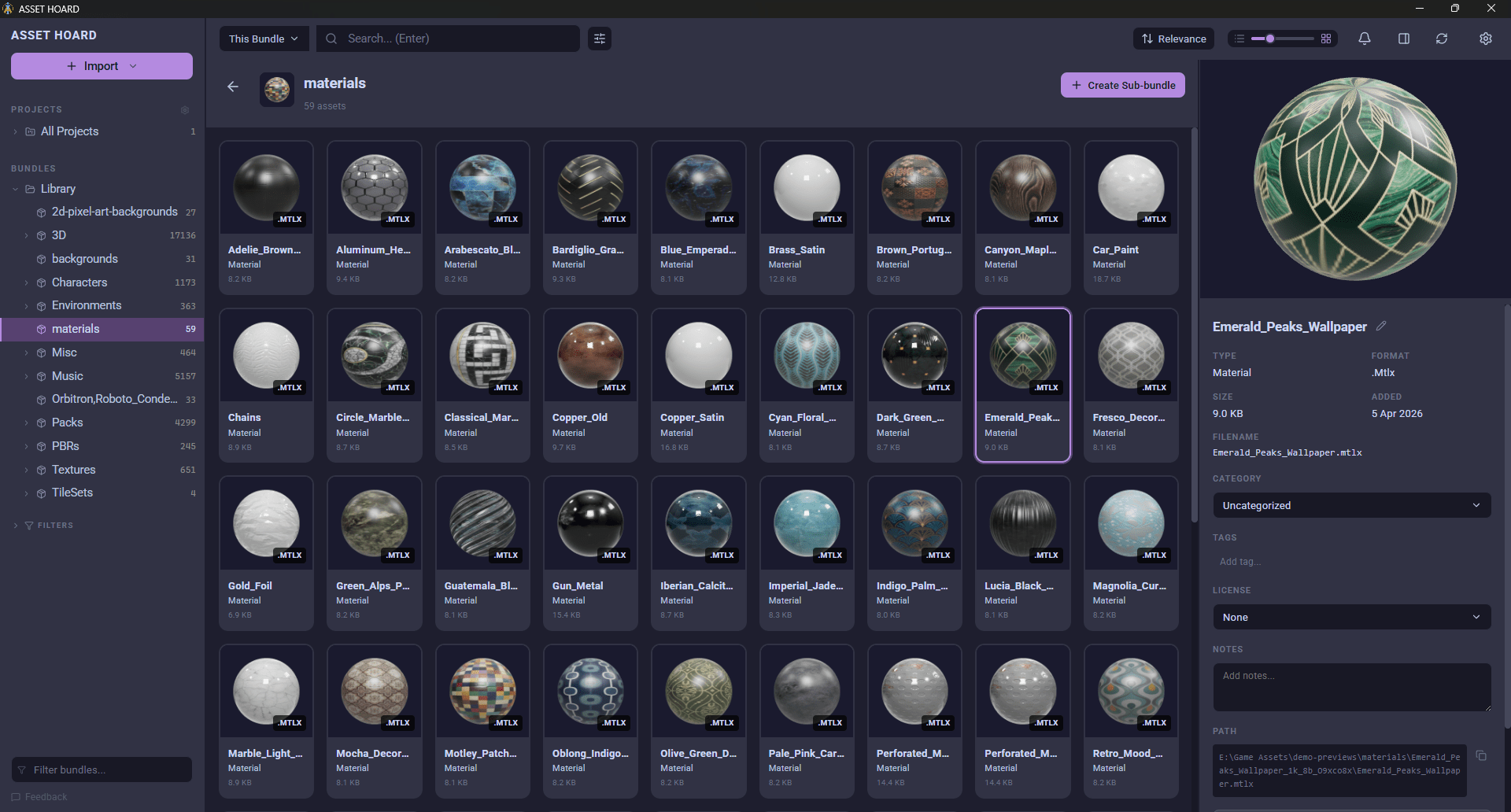
PBR texture sets are grouped automatically so albedo, normal, and roughness maps are shown together rather than scattered across your library. Material files render on a live 3D sphere with proper lighting, so you can see what a surface will actually look like before bringing it into your engine.
When you're ready to use an asset, you can drag it directly into Unity or Godot. No intermediate steps.
It's local-first. Your library lives on your machine, no cloud sync, no account required.
Honest trade-offs
AssetHoard isn't better at everything, and it's worth being clear about that.
Eagle has a larger community and more integrations with design tools. Its browser extension for collecting web references is excellent and has no equivalent in AssetHoard. If you're regularly saving inspiration from the web, that's a genuine advantage.
Eagle handles a broader range of general design formats (AI, EPS, Sketch exports), which matters if your work is more aligned to graphic design.
On platform support, the situation is reversed. AssetHoard runs on Windows, macOS, and Linux, while Eagle is Windows and macOS only. If you're on Linux, AssetHoard is the only one of the two that will work for you.
Which one is right for you
If you're primarily a graphic designer or illustrator who occasionally works on game projects, Eagle is probably the better fit. Its strengths align well with that workflow.
If you're a game developer managing a growing library of .unitypackage files, Godot resources (.tres, .tscn, .res), 3D models, sprite sheets, Aseprite animations, and audio assets, AssetHoard is built for exactly that workflow in a way Eagle isn't.
If you use both Unity or Godot and professional design tools heavily, you might find yourself reaching for both. They serve different enough use cases that there's not much overlap.
The simplest test: look at your asset library and count how many files are game-specific formats versus general design formats. That ratio will tell you which tool is doing more work for you.
The AssetHoard Team