← All Releases
Smoother performance, undo improvements, and 3D animation playback
Asset Hoard v0.1.9 Release Notes
Smoother performance, undo improvements, and 3D animation playback
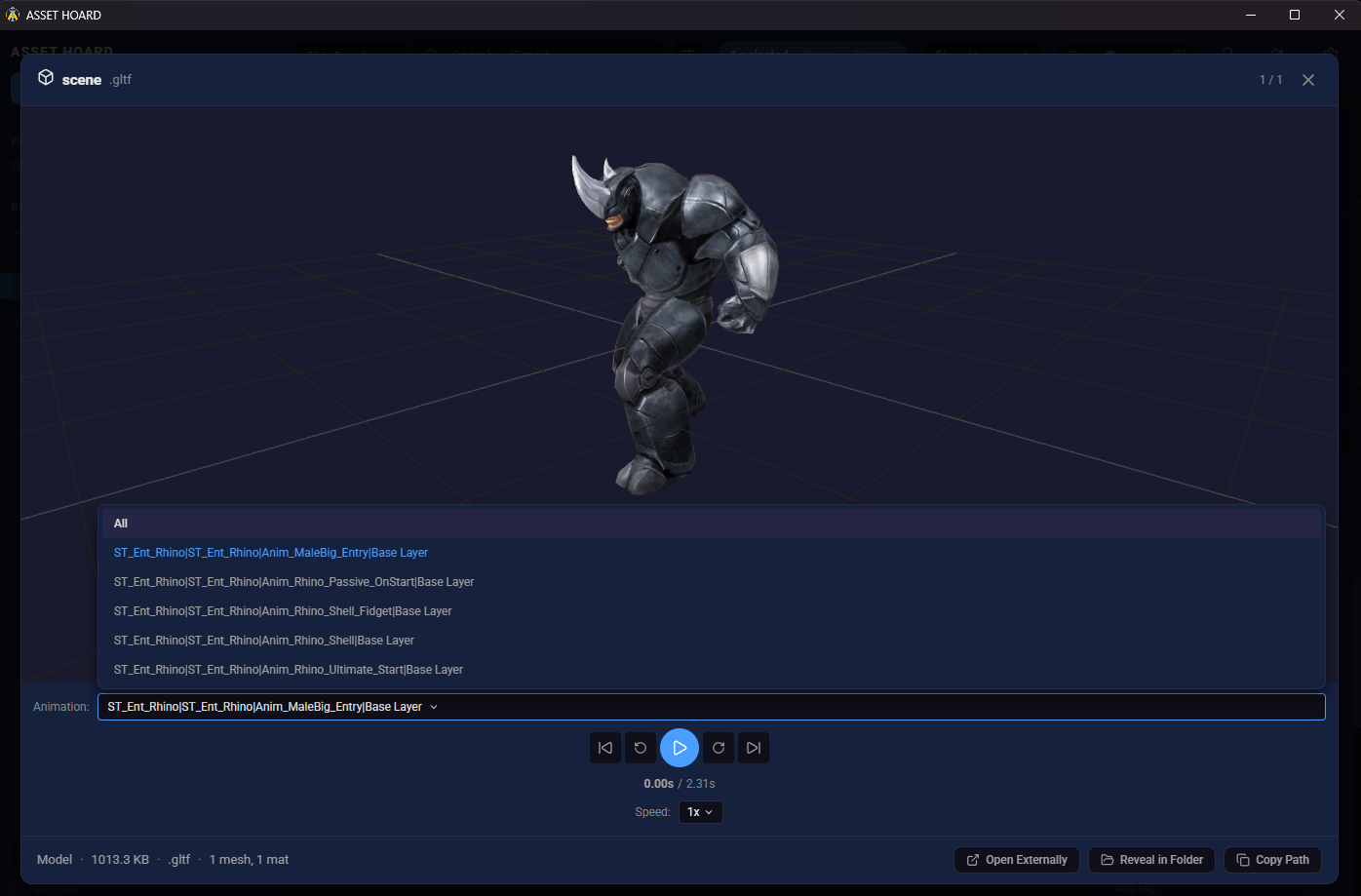
This release focuses on making Asset Hoard feel snappier and more responsive. Background threads no longer pile up after large imports, semantic search runs without blocking other operations, and the app starts up faster. On the UI side, undo is now more reliable, 3D models get a new Play All animation option, and you can sort assets by the date they were created on disk.
🚀 Performance
- Faster post-import cleanup — Background threads no longer accumulate after imports, freeing up resources and preventing lock contention
- Smoother semantic search — Read-only semantic operations no longer hold write locks, so searches don't block other work
- Faster app startup — Semantic search settings now load asynchronously, keeping them out of the critical startup path
🎨 UI & Usability
- Sort by file creation date — A new "Date Created" sort option lets you order assets by when the file was originally created on disk
- Play All animations — 3D model previews now include a Play All option to cycle through every animation on the model
- File type badges — Bundle details now show colour-coded file type labels for a clearer breakdown of what's inside
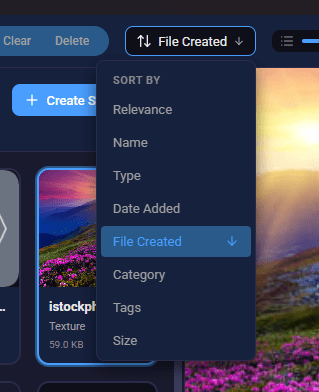
- Reliable undo — Ctrl+Z is now responsive with proper feedback so you know when an undo action has been applied
- Cover save feedback — A loading spinner on cover capture and save buttons gives clear feedback when processing large images
- Indexing notification toggle — A new "Show Indexing Notifications" toggle in semantic search settings lets you silence indexing progress popups
🐛 Bug Fixes
- Auto-backup timing — Resolved an issue where auto-backup could run at an inopportune time and briefly lock the database
May your assets be organised and your bundles be nested.
Happy hoarding!