← All Releases
Faster startup, and runtime optimisations
Asset Hoard v0.1.6 Release Notes
Faster startup, and runtime optimisations
This release improves speeds up startup with lazy loading, 3D thumbnail generation, search, and import scanning. As well as more resiliancy for several filetypes like gltf, gif, mat and others.
🚀 Performance
- Faster startup — App boot time is significantly faster thanks to lazy loading of heavy libraries
- Non-blocking 3D thumbnails — 3D thumbnail generation now faster async
- Thumbnail timeout — Thumbnail generation now has a timeout to prevent the app from hanging
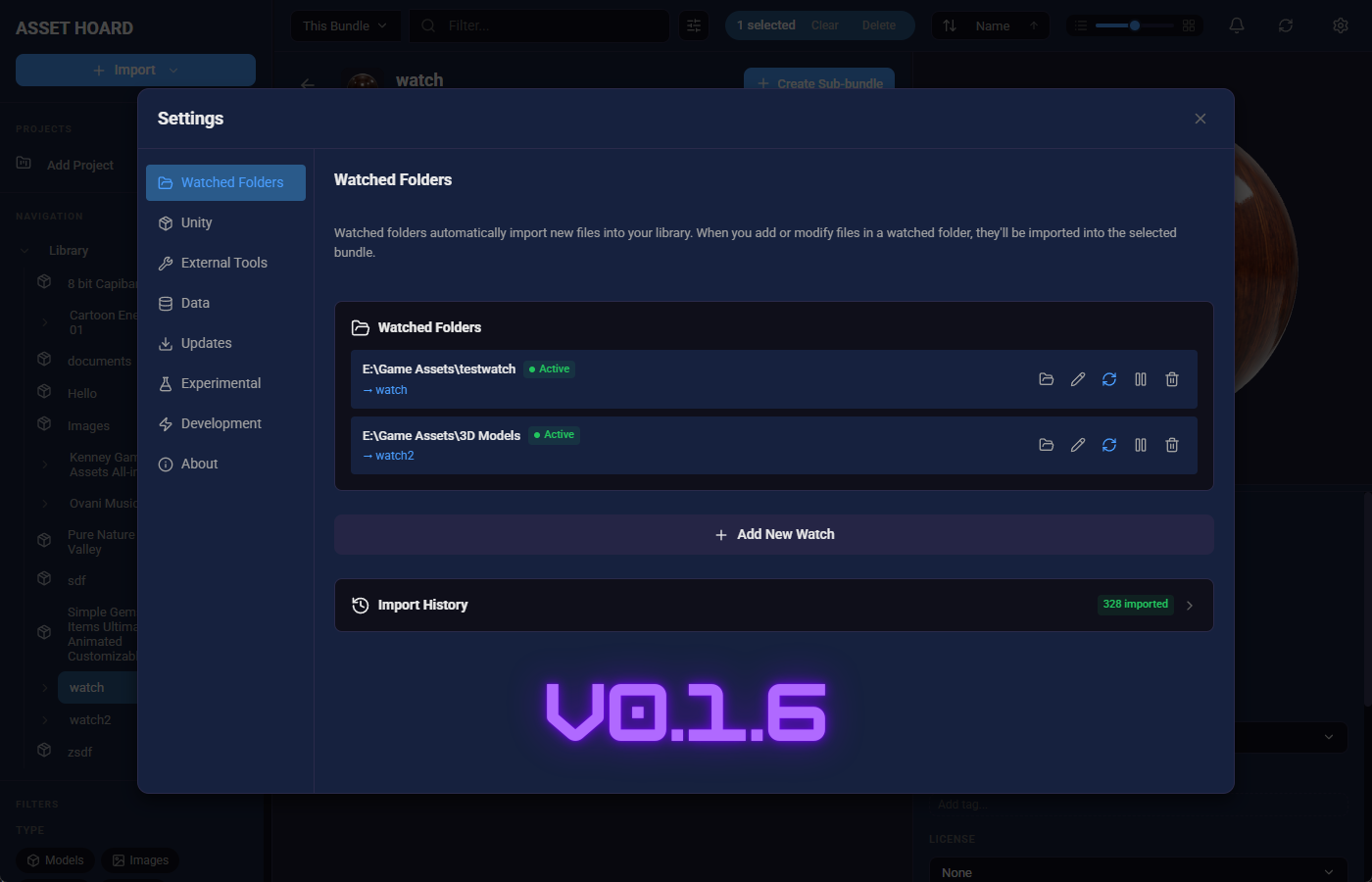
- Watched Folder — Scanning on start up massively optimised, we now scan for differences first and import the delta
🔍 Search & Navigation
- Smarter search — Empty queries are now skipped, and bundle filters update based on search scope
- Smoother loading states — Search results show a cleaner loading experience
- Navigation history — Improved consistency between the UI back button and mouse back button
- Search input fix — Fixed a reactive loop that could cause search input to behave unexpectedly
📂 Import & Scanning
- Artifact filtering — Temporary and system files (like
~$prefixed files) are now automatically skipped during import scans - Improved folder scanning — Better scan event handling for more reliable folder imports
🎨 Previews
- Audio autoplay — Audio files now autoplay when opened in expanded preview mode
- Bundle cover thumbnails — Thumbnail generation now works for assets used in bundle covers
🔧 Other Improvements & Bug Fixes
- Startup diagnostics — Library stats are logged during startup for easier troubleshooting in debug mode
- Debug mode — New logging throughout the app for performance diagnostics
- Discord link — Added a Discord icon to the About section in settings
- Material files — Binary
.matfiles are now detected with metadata automatically extracted - Unity Packages — now import into the correct bundle rather than importing unbundled.
May your assets be organised and your bundles be nested.
Happy hoarding!