← All Releases
Fonts, Unity packages, and navigation history
Asset Hoard v0.1.5 Release Notes
Fonts, Unity packages, and navigation history
This release adds support for fonts and Unity packages, a new move-to-bundle picker, back/forward navigation, bundle cover cropping, and a handful of quality-of-life improvements across imports and watched folders.
✨ New File Types
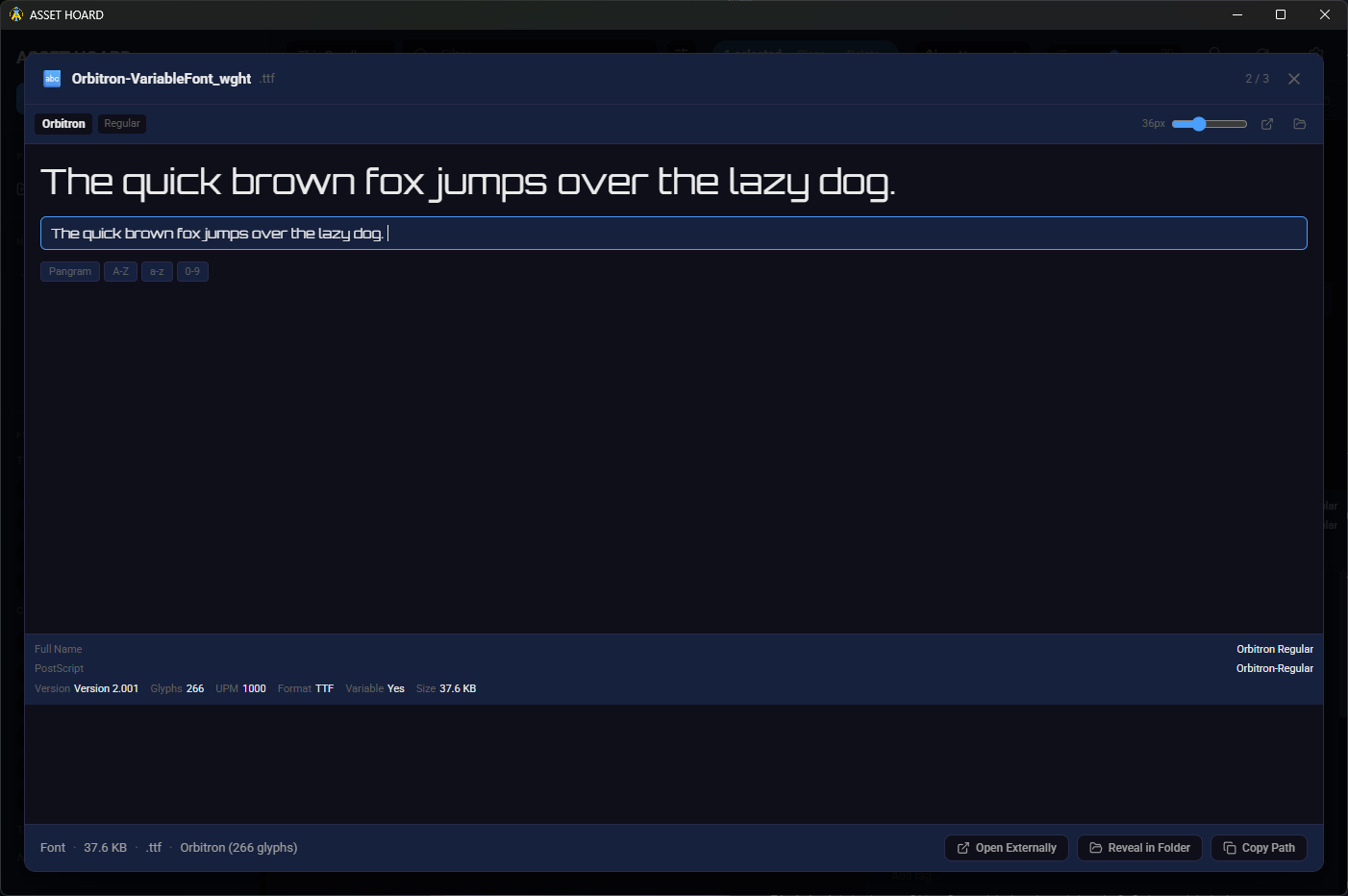
- Font support —
.ttf,.otf,.woff, and other font files are now supported with thumbnails and previews - Unity package import — Improved
.unitypackagesupport, complete with thumbnail extraction and version tracking per bundle
🚀 Features
- Move to Bundle — Relocate assets and bundles with a new modal featuring a fuzzy-searchable bundle tree picker, accessible from the right-click context menu
- Navigation history — Browse back and forward through your navigation history using
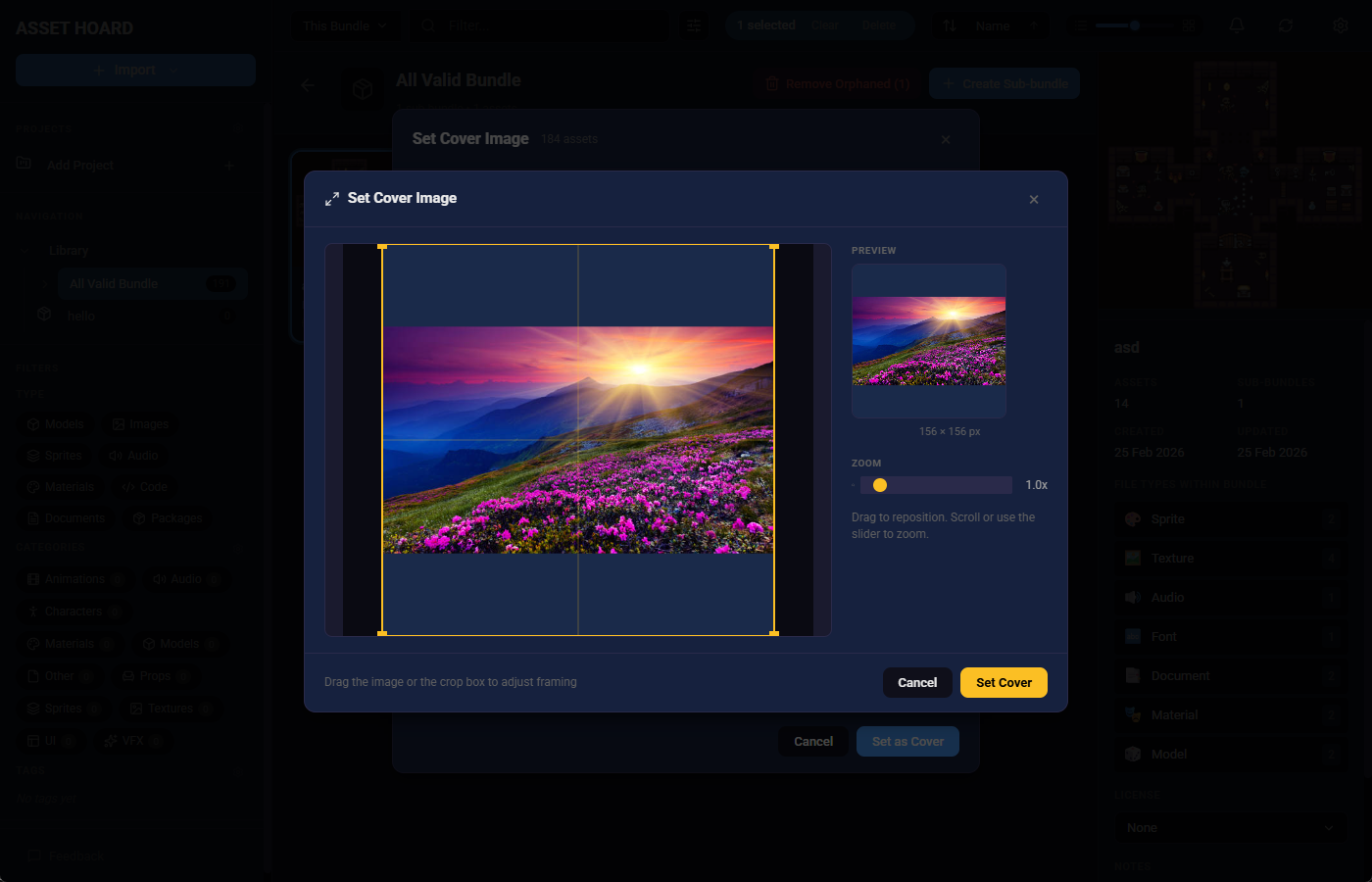
Alt+Left/Alt+Rightormouse4/mouse5 - Cover cropping — Pick and crop images for your bundle covers with the new cover crop picker
- Remove orphaned assets — Audit your library for assets with broken file links and clean them up in one click
- Unity package directories — Manage Unity package directories from a dedicated settings panel
📂 Watched Folders
- Play/pause watchers — Pause and resume individual watched folder watchers
- Smarter imports — Shared import logic with improved thumbnail generation
- Better progress tracking — Improved debounce and progress handling during file watching
- Cleaner notifications — Less noisy, more useful notifications for watched folder events
🐛 Bug Fixes
- Undo/redo counts — Undo and redo now correctly update bundle cumulative counts after restoring items
- SVG & text handling — Improved metadata extraction and error handling for SVG and plain text files
- "New" badges — Badges can now be cleared after watched folder import
- Thumbnail errors — Better error handling when thumbnail generation fails
🔧 Improvements
- Sidebar tag refresh — Importing assets now updates the sidebar tag filters to reflect newly created tags
- Material thumbnails — Improved thumbnail generation for material assets
May your assets be organised and your bundles be nested.
Happy hoarding!